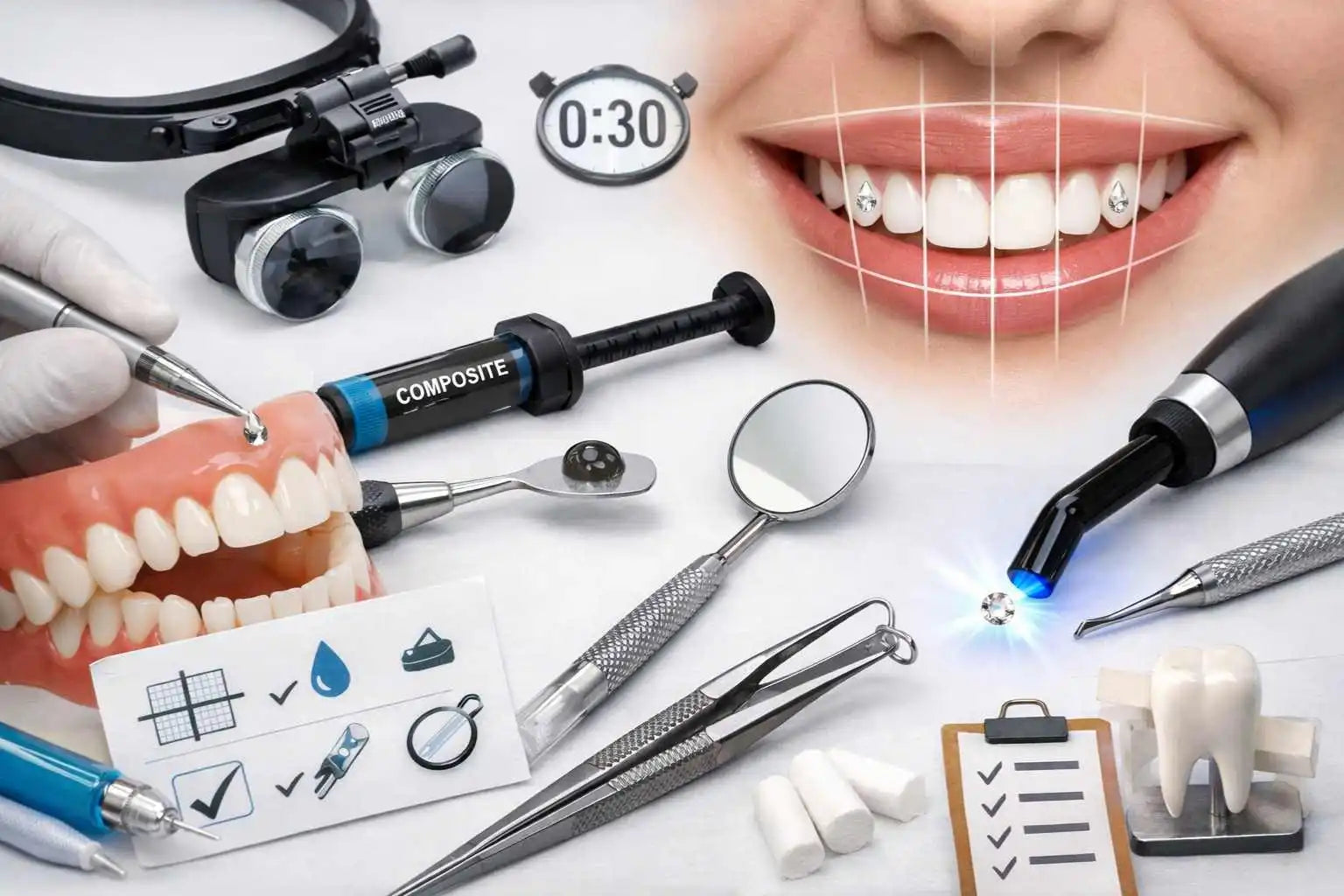

Quick answer: To save time without sacrificing quality , you shouldn't "speed up" the process; you should reduce the friction surrounding it. The secret to a professional workflow is standardization (same tray, same order, same phrases), preparation (everything ready before the client arrives), and a systematic final check. The result: fewer hesitations, fewer adjustments, and more consistent quality, appointment after appointment.
Summary
- 1) The real time-saving factor: eliminating friction
- 2) Mapping your pose: from “blur” to process
- 3) Standardize the stage: the basis of a stable rhythm
- 4) Advance preparation: everything that needs to be ready before the client
- 5) The efficient movement: fewer movements, more precision
- 6) Hygiene & turnover: moving quickly without ever "skipping"
- 7) Scripts & communication: saving time with words
- 8) Quality control: the safety net that prevents returns
- 9) Professional organization: simple KPIs, monitoring, and continuous improvement
- 10) Concrete examples: 3 typical workflows depending on your volume
- Common mistakes
- Checklist / tips
- Recommendations
- FAQ
- Sources (research)
1) The real time-saving factor: eliminating friction
Most professionals believe that saving time means "working faster." In reality, you save time by working more smoothly . Minutes are rarely lost on the pose itself. They evaporate in the extra steps: searching for a tool, putting down an instrument, hesitating over a command, re-validating three times because a clear reference point wasn't established.
A professional workflow aims for one thing: minimizing micro-interruptions. Every interruption breaks your rhythm, increases errors, and forces you to compensate with revisions. But revisions are a hidden expense: they cost time, energy, and sometimes even customer satisfaction.
The promise of workflow is not speed. It's consistency . And speed comes later, naturally, because you correct less.
2) Mapping your pose: from “blur” to process
You can't standardize a gesture you can't see. The first step is simple: write down your pose as a series of steps. Not to make it look pretty. To identify where time slips away.
The “8 boxes” method
- Home (customer installation)
- Pre-check (visual selection, validation, photo if needed)
- Insulation (dry field)
- Preparation (routine products)
- Placement (application + stabilization + polymerization)
- Finishing (checking and clean rendering)
- Aftercare (quick instructions)
- Turnover (disinfection, restocking, next tray)
Identify the “bottlenecks”
In 80% of cases, the bottlenecks are:
- a tray not ready (we assemble it live);
- a variable product routine (we are undecided on the order);
- communication that is too long (we have to explain everything again);
- a final check is missing (returns, touch-ups, loss of slot).
3) Standardize the stage: the basis of a stable rhythm
The board is your "cockpit". When it's standardized, your brain no longer has to search: it executes. And when the brain executes, the hand becomes consistent.
One plateau = one sequence
Organize your tray in the order of use: diagnosis → procedure → finishing . This principle reduces breaks and prevents oversights, because your eye follows a logical path.
The standard, not perfection
Your tray doesn't need to be "Instagrammable." It needs to be predictable . The key is repetition: same placement, same order, same supplies. What matters is making the process automatic, and automation is a professional luxury: it frees up your attention to aesthetics.
“Ready-to-install” kit
Create a mini-kit for each type of service (single application, duo application, shaped application). You will save a huge amount of time by avoiding having to reassemble everything manually each time.
4) Advance preparation: everything that needs to be ready before the client
The golden rule: the client should never see you "preparing." They should see you "setting up." Your profitable time is the time you spend providing the service, not on logistics.
Before arrival (5 minutes that save 20)
- Tray ready + consumables included
- Tools positioned within immediate reach
- Lighting and work area adjusted
- Advance jewelry selection (pre-selection, or limited options)
Limit the choices (without frustrating)
The classic trap: “choose whatever you want.” The client hesitates, compares, changes their mind, then changes again. A professional workflow provides a framework: 3 options, not 30. Total freedom is a luxury… but it costs time and clarity. You can remain a premium service while staying within a structured framework.
5) The efficient movement: fewer movements, more precision
A professional gesture is recognizable by its simplicity. There are no superfluous gestures. Every movement has an intention, and above all, a purpose. This logic reduces fatigue, and fatigue is the direct enemy of quality.
The principle of “fewer journeys”
- do not move your hand: move the tool towards you;
- do not change tools without reason;
- Do not correct continuously: correct once, properly.
The two-step placement
To avoid retouching: place → stabilize → micro-adjust → lock. This micro-rhythm limits slippage, thus reducing retakes.
“Quality” is not slow
What slows things down isn't precision. It's hesitation. Once your reference points are defined, precision becomes rapid, because it no longer requires internal debate.
6) Hygiene & turnover: moving quickly without ever "skipping"
Employee turnover is an area where you can save a lot of time… and lose a lot of credibility if it's done poorly. Good workflow doesn't bypass hygiene ; it makes it run more smoothly.
Standardize the turnover
Make hygiene as automatic a routine as applying oil: same order, same movements, same surfaces, same barriers. The workflow is your safeguard: when you're tired, the process protects you.
Clean area / dirty area
Define physical zones: clean items never go back into the dirty zone. This simple principle prevents mistakes and speeds up tidying, because you no longer "think" about it: you just apply it.
Pre-assembly of consumables
Prepare packs of consumables (gloves, cotton, disposable accessories) for 5 to 10 clients. This reduces restocking time between appointments without compromising quality.
7) Scripts & communication: saving time with words
A professional saves time because they speak precisely. Nothing more. Precisely. The best workflows include short, reassuring, and repeatable communication.
The welcome script (20 seconds)
You set the framework: duration, steps, instructions. The client relaxes, you avoid interruptions, and you maintain the pace.
The aftercare script (30 seconds)
The trap is to create a full course. The professional workflow keeps it simple: 3 essential instructions + a safety phrase (if you feel uncomfortable, contact us). You can provide the rest in written form (message, card, PDF).
Managing customers in a hurry
A client in a hurry is testing your framework. A professional workflow protects quality: you clearly state what is feasible without compromising the result, and you refuse anything that would force you to rush. Premium also means knowing how to say no calmly.
8) Quality control: the safety net that prevents returns
Quality control is paradoxical: it takes 30 seconds, but it can save you 30 minutes. A pose that's "almost" good often becomes one that needs retouching. And retouching means lost time.
The final 5-point check
- Alignment (harmony, axis)
- Stability (nothing moves)
- Finish (no visible excess)
- Comfort (customer OK, normal sensation)
- Photo (optional) to validate and professionalize
The photo standard
A quick photo (even a simple one) is an excellent mirror: it reveals micro-flaws. And it aligns your poses with a consistent visual standard.
9) Professional organization: simple KPIs, monitoring, and continuous improvement
The professional workflow is not static: it improves. But it improves with simple numbers, not with feelings.
3 KPIs that are enough
- Average duration per service (actual, not theoretical)
- Revision rate (number of returns/week)
- Turnover time (between two clients)
The “one improvement per week” rule
Don't change everything. Change just one detail: the position of a tool, the order of a step, the consumables kit, the aftercare script. The workflow becomes powerful when it becomes stable, then optimized.
10) Concrete examples: 3 typical workflows depending on your volume
Workflow A: 1 to 3 poses/day (objective: stability)
- minimum standard tray;
- simple checklist;
- Systematic final inspection.
Workflow B: 4 to 8 poses/day (objective: rhythm)
- ready-to-install kits (by type of service);
- consumable packs;
- Timed turnover (stable objective, not “record”).
Workflow C: 9+ poses/day (objective: performance without fatigue)
- trays in series;
- Strict clean/dirty zones;
- ultra-short scripts;
- Non-negotiable quality control (otherwise rework will explode).
Common mistakes (10)
- Improvising the order of steps: hesitations, oversights, revisions.
- Preparing during the appointment: the client is waiting, you are breaking the rhythm.
- Too many options offered to the customer: hesitation, back and forth, wasted time.
- Non-standardized tray : look for a tool = invisible timer that rotates.
- Rotating around the pose (too many micro-corrections): fatigue, variable quality.
- Poor turnover : hygiene risk + stress + loss of credibility.
- No final check : revisions, returns, lost slots.
- Scripts that are too long : repetitive explanations, appointments that run over time.
- Changing everything at once : unstable workflow, unpredictable results.
- Measuring nothing : impression of stagnation, random optimization.
Checklist / tips (safe)
- My tray is standardized and organized in the order of use.
- Everything is ready before the customer arrives (zero “live preparation”).
- I limit the choice to a maximum of 3 options (clear framework, quick decision).
- I maintain a fixed routine: markings → dry field → preparation → placement → finishing.
- I reduce the movements: place → stabilize → micro-adjust → lock.
- I do a final quality check in 30 seconds (alignment, finish, comfort).
- I rotate the station with a standard hygiene routine (same order, same areas).
- I note 3 figures: average duration, turnover time, retouching rate.
- I improve one detail per week (not ten).
Useful links
FAQ (8) — Frequently asked questions about dental rhinestones and professional organization
1) How to save time without the result looking "sloppy"?
By eliminating friction: standard setup, fixed order, fewer movements, final control. Quality decreases when you improvise, not when you structure.
2) What is the best way to avoid forgetting (tool, step, instruction)?
A short, repeated checklist, plus a tray organized in the order of use. Forgetting disappears when the routine becomes automatic.
3) How long should a “pro” service last?
There's no single ideal figure: the right duration is the one that remains consistent and allows for a clean finish. Measure your actual average, then optimize what slows you down (often preparation and turnover).
4) How to limit alterations and returns?
Systematic final check + simple and clear aftercare instructions. Many touch-ups result from an unchecked finish or unclear instructions.
5) What should I prepare in advance to serve several clients in a row?
Standardized trays, consumable packs, tools at hand, pre-selected jewelry options, and a standardized hygiene protocol for turnover.
6) Hesitant clients are blowing up my schedule: how can I manage this?
Frame the choice: offer 3 options. You remain a premium customer, you help with the decision, and you protect your schedule.
7) How can I maintain consistent quality when I am tired?
The workflow becomes your “autopilot”: standardized set, fixed routine, short scripts, non-negotiable final control. Fatigue lowers quality when there is no structure.
8) Can training really improve the workflow, not just the technique?
Yes, because a good framework doesn't just train the hand: it trains order, preparation, method, and quality control. Speed comes later, as a consequence of a stable process.


Leave a comment
This site is protected by hCaptcha and the hCaptcha Privacy Policy and Terms of Service apply.